The main cause of carbonization
1. Unsuitable cutting parameter settings (high power and low speed)
When the laser power is too high, it produces more heat than needed to cut the material.
That extra heat spreads to the edges of the cut, heats the material to its ignition point, and reacts with oxygen in the air. This causes burning and heavy carbonization.
This is especially common with heat-sensitive or flammable materials like wood, acrylic, and paper.
When the laser speed is too slow, the beam stays on the material for too long.
This builds up too much heat, which spreads to the sides of the cut and eventually causes burning and carbonization.
Using lower power or faster cutting speeds can help reduce burning and carbonization.
Here is a video for your reference: https://youtu.be/WJcu3ADXWsE
To find better settings, you may use the Material Test function to figure out the best cutting parameters, like these:
Light Burn Material Test When cutting flammable materials, fire hazards may occur.Therefore, do not leave the machine running unattended.
Keeping fire extinguishers readily available is suggested.
2. Lack of air assist
The primary function of air assist is to blow away molten material, cool the material, and prevent oxidation.
The lack of air assist prevents effective removal of heat, slag, debris, and carbon dust generated during cutting from the kerf area. These residues accumulate heat at high temperatures and may reignite, accelerating carbonization. Moreover, debris buildup itself can easily cause scorching.
In such cases, increasing the air assist pressure is necessary to improve cutting performance.
If the machine's built-in air pump cannot provide high enough air assist pressure, an external air compressor can be connected to increase the air assist pressure.
 Setting your pressure higher than 55psi can cause your solenoids to prematurely fail.
Any damage from the over-pressure to any machine component will not be covered by warranty.
We highly recommend running 30-40psi as this seems to be optimal for the flow rate of the tubing and in a safe zone for potential spikes from the compressor. 3. Material factors
The inherent properties of materials influence their response to laser heat.
1. High thermal sensitivity/flammability
Materials such as wood, plywood, paper products, and certain plastics (e.g., PU synthetic leather) are highly sensitive to heat with low ignition points, making them prone to carbonization or combustion under laser exposure.
2. Inconsistent Material Composition
For example, uneven density, moisture content, resin levels, or adhesive distribution within plywood can cause significant fluctuations in laser energy absorption, leading to localized overheating and scorching in certain areas. Poor-quality adhesive layers are particularly prone to becoming “scorch amplifiers.”
3. Surface coatings
Varnishes, protective films, adhesives, or other flammable coatings on material surfaces are more susceptible to ignition or decomposition by the laser during cutting, forming carbonized layers.
Therefore, when cutting materials, it is advisable to apply laser-specific protective film to the material when necessary to minimize surface carbonization.
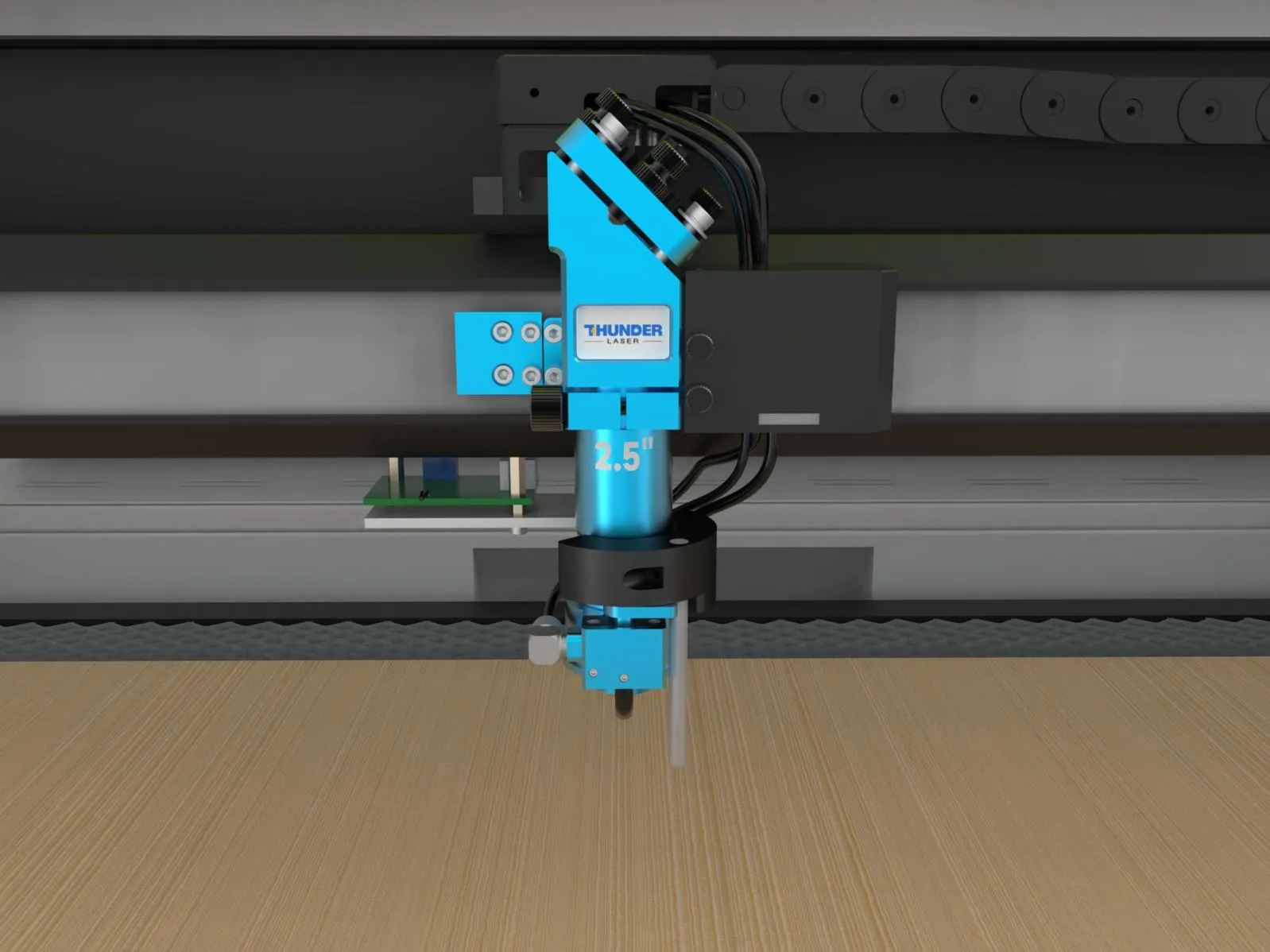
4. Incorrect focal length
If the focal length is incorrect and the cutting process is out of focus, the resulting beam spot will be too large, causing heat to spread and leading to edge carbonization.
It is recommended to check whether the material is properly focused before cutting.
5. Insufficient exhaust
If the exhaust system is unable to promptly and effectively remove fumes, exhaust gases, dust, and heat generated during processing from the work area, a thick layer of white or black smoke will envelop the cutting zone.
Under high temperatures, these particles will redeposit onto the material surface, causing blackened edges (severe carbonization) or yellowing and soiling of the surface.
We can regularly inspect and clean the exhaust system to ensure it maintains sufficient airflow to effectively extract fumes from the work area during machine processing.
Some customers and our application lab have found that covering the upper or lower exhaust port can help increase exhaust airflow.
If that is needed, you may want to try covering the upper exhaust port for cutting, and covering the lower exhaust port for engraving optimization.
No treatment on the exhaust vent | Cover the upper exhaust vent | Cover the lower exhaust vent |
| | |
On the Titan Series machine, the upper exhaust valve can be turned off from the touch panel.
6. File path design issues
If you cut too many lines in a small area continuously, the heat cannot dissipate in time.
This keeps the temperature rising in that spot, making the material burn or carbonize more easily.
Cut inner shapes first, then the outer contours. avoid cutting the same area continuously.
When cutting paths are very close to each other, the heat from the previous cut adds to the next one, causing stronger heat buildup and heavier carbonization.
Increase the spacing between lines when possible.
If the design contains overlapping lines or duplicate paths, the laser will cut the same area multiple times, which can cause overburning and excessive carbonization. Please check the design for overlapping lines before cutting.
7. Beam misalignment
When the beam is misaligned, uneven cutting occurs during the process, causing excessive heat concentration on one side and resulting in directional carbonization.
If this situation arises, place a transparent acrylic sheet to the air nozzle and perform a pulse test at 30% power to verify whether the beam is emitted vertically from the center of the laser head's base.